OY.Surf vs Wispr Flow
Wispr Flow is a slick AI dictation app that turns speech into clean text in any app, via the cloud. OY.Surf is the local-first, on-device, free alternative — here's the honest comparison.
TL;DR
- Wispr Flow is a slick AI dictation app that turns speech into clean text in any app, via the cloud.
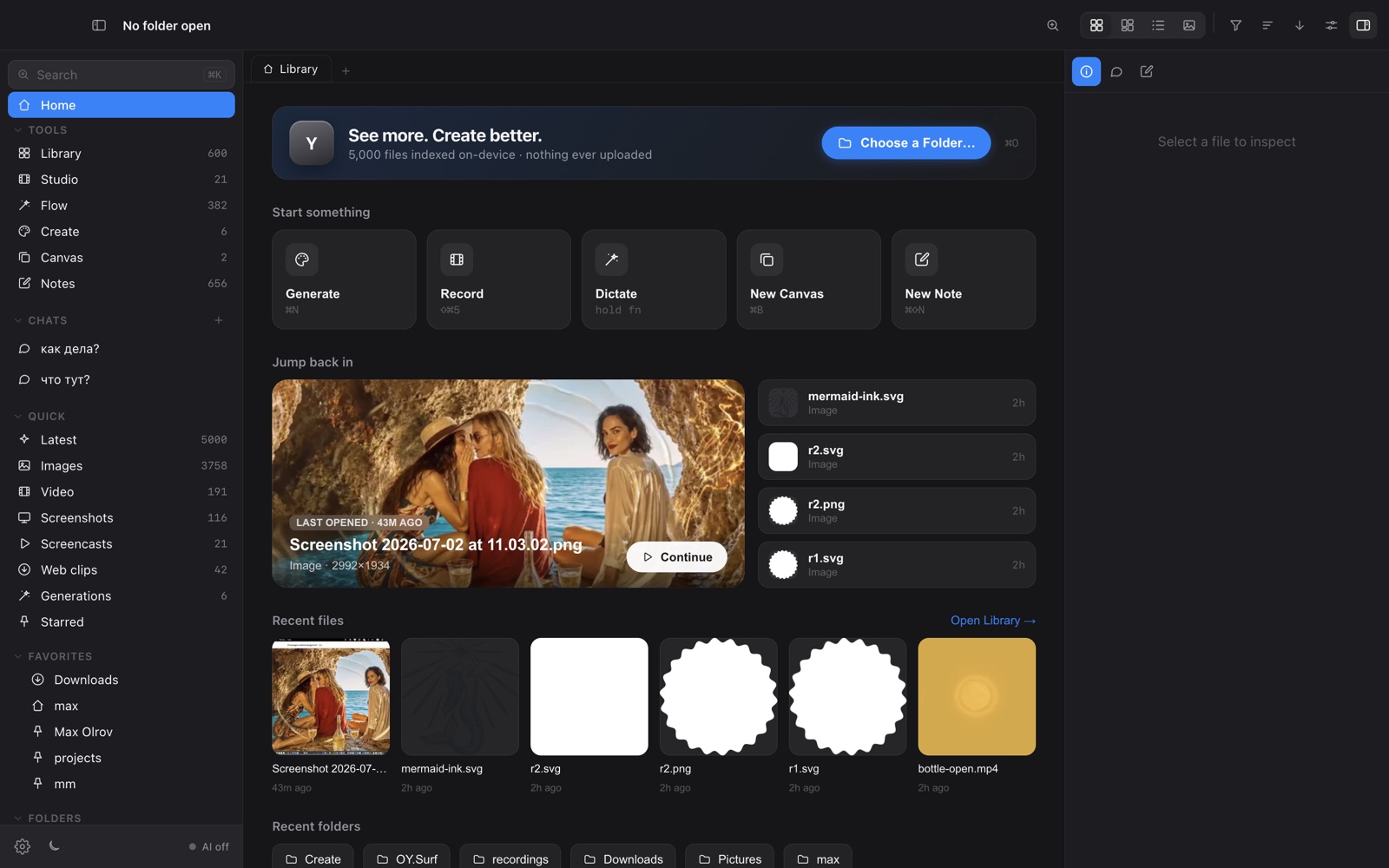
- OY.Surf includes Flow — voice dictation that transcribes and cleans on-device, so your voice never leaves your Mac.
- Choose Wispr Flow for its standalone polish; choose Flow for private, offline dictation that comes free with a whole visual workbench.
If you like Wispr Flow's "speak, get clean text anywhere" flow but don't want your audio going to a cloud, Flow does the same thing on-device: it records, transcribes with a local Whisper model, strips fillers and dictation artifacts, and pastes the cleaned text. Free, private, offline.
Quick comparison
| AI voice dictation | OY.Surf | Wispr Flow |
|---|---|---|
| Dictate into any app | ✓ | ✓ |
| Transcription runs on-device | ✓ | — |
| Filler + hallucination cleanup | ✓ | ✓ |
| Audio never uploaded | ✓ | — |
| Bundled with a full workbench | ✓ | — |
| Price | Free, included | Subscription |
What is Wispr Flow?
Wispr Flow is a dedicated AI dictation tool: press a key, talk, and it inserts polished text into whatever app you're in, with formatting and tone cleanup. It's fast and well-designed, with transcription handled in the cloud on a subscription.
What is OY.Surf?
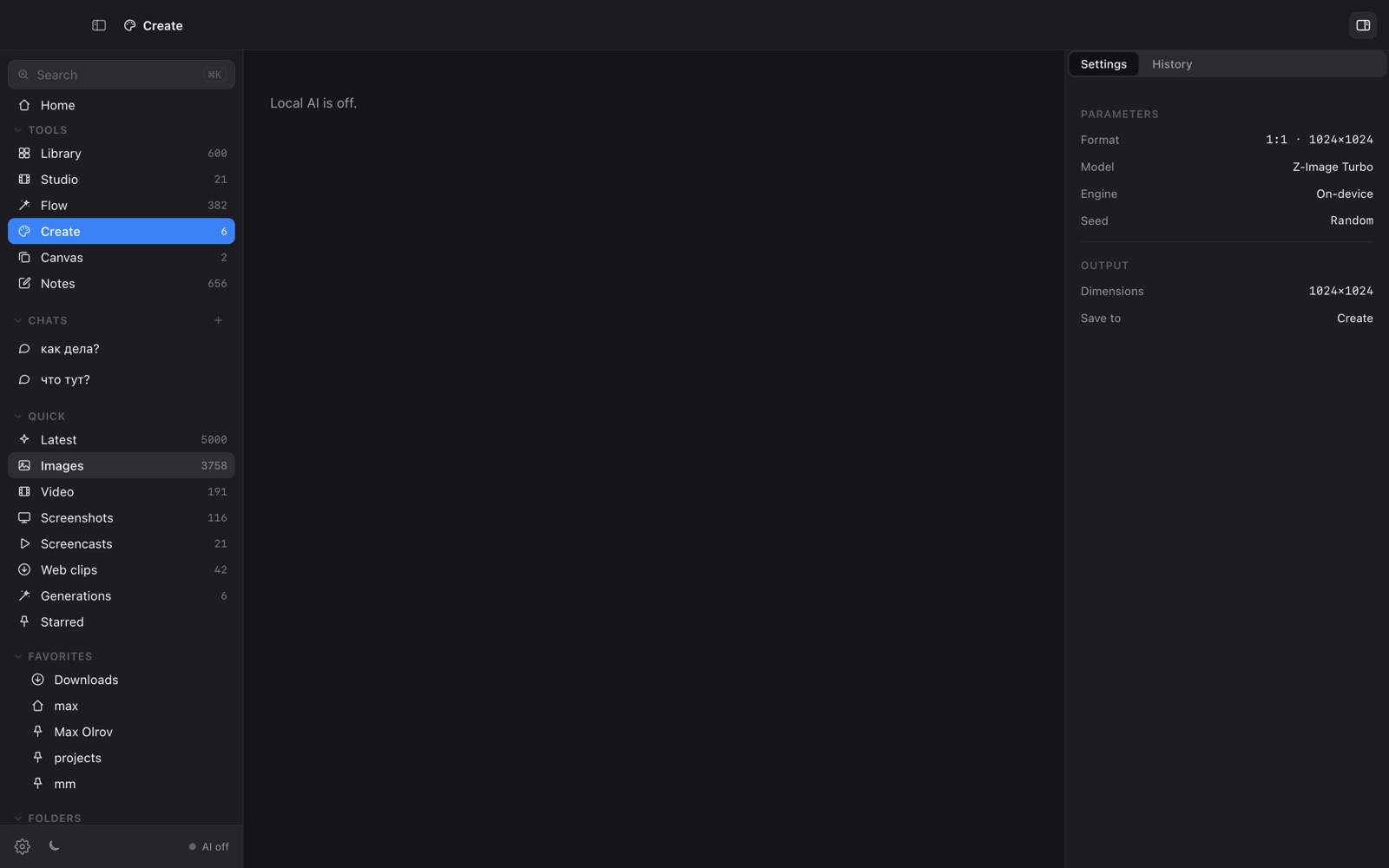
OY.Surf is a local-first visual workbench for macOS. It opens any folder you already have — Dropbox, Downloads, a render output directory — and indexes it in place, so nothing is uploaded. On top of your files it runs on-device AI: descriptions and semantic search, instruction-based image editing (Qwen-Image-Edit), generation (Z-Image Turbo), an Air-style canvas with smart-resize and skills, plus screen recording (Studio) and voice dictation (Flow). The default is free and offline; cloud is opt-in with your own key.
OY.Surf vs Wispr Flow, point by point
Both do voice-to-text anywhere?
Yes — both let you dictate into any text field and get cleaned output. Flow shows a small island with live status as it listens and transcribes.
Where does transcription run?
Flow runs Whisper on-device, so audio and text stay on your Mac. Wispr Flow transcribes in the cloud.
Cleanup quality
Flow strips fillers and common dictation hallucinations deterministically, with an optional local-LLM polish; Wispr Flow leans on cloud models for tone.
Price + bundle
Flow is free inside OY.Surf, which also gives you a visual library, generation, editing and recording. Wispr Flow is a standalone subscription.
When Wispr Flow is the better choice
Wispr Flow is the better pick if you want a single, highly-polished dictation product and you're comfortable with cloud transcription and a subscription. Flow trades a little polish for privacy and price.
Bottom line
Wispr Flow is cloud dictation as a product; Flow is private, on-device dictation included free in OY.Surf.
FAQ
- Is Flow a private alternative to Wispr Flow?
- Yes — it transcribes on-device with Whisper, so your voice and text never leave your Mac.
- Does it clean up the transcript?
- Yes, it removes fillers and common dictation artifacts, with an optional local-LLM polish for formal output.
- Can I dictate in other languages?
- Yes — you can set the dictation language or let it auto-detect.
- Does it cost anything?
- No, Flow is free inside OY.Surf.
- Does it need internet?
- No — once the model is downloaded, dictation works offline.