OY.Surf vs Air
Air is a cloud DAM with an AI canvas, priced per seat and built for teams. OY.Surf is the local-first, on-device, free alternative — here's the honest comparison.
TL;DR
- Air is a cloud DAM with an AI canvas, priced per seat and built for teams.
- OY.Surf gives you the same canvas-and-edit workflow on your own Mac, over your existing folders — free and offline.
- Choose Air for shared team libraries in the cloud; choose OY.Surf for privacy, zero upload, and no subscription.
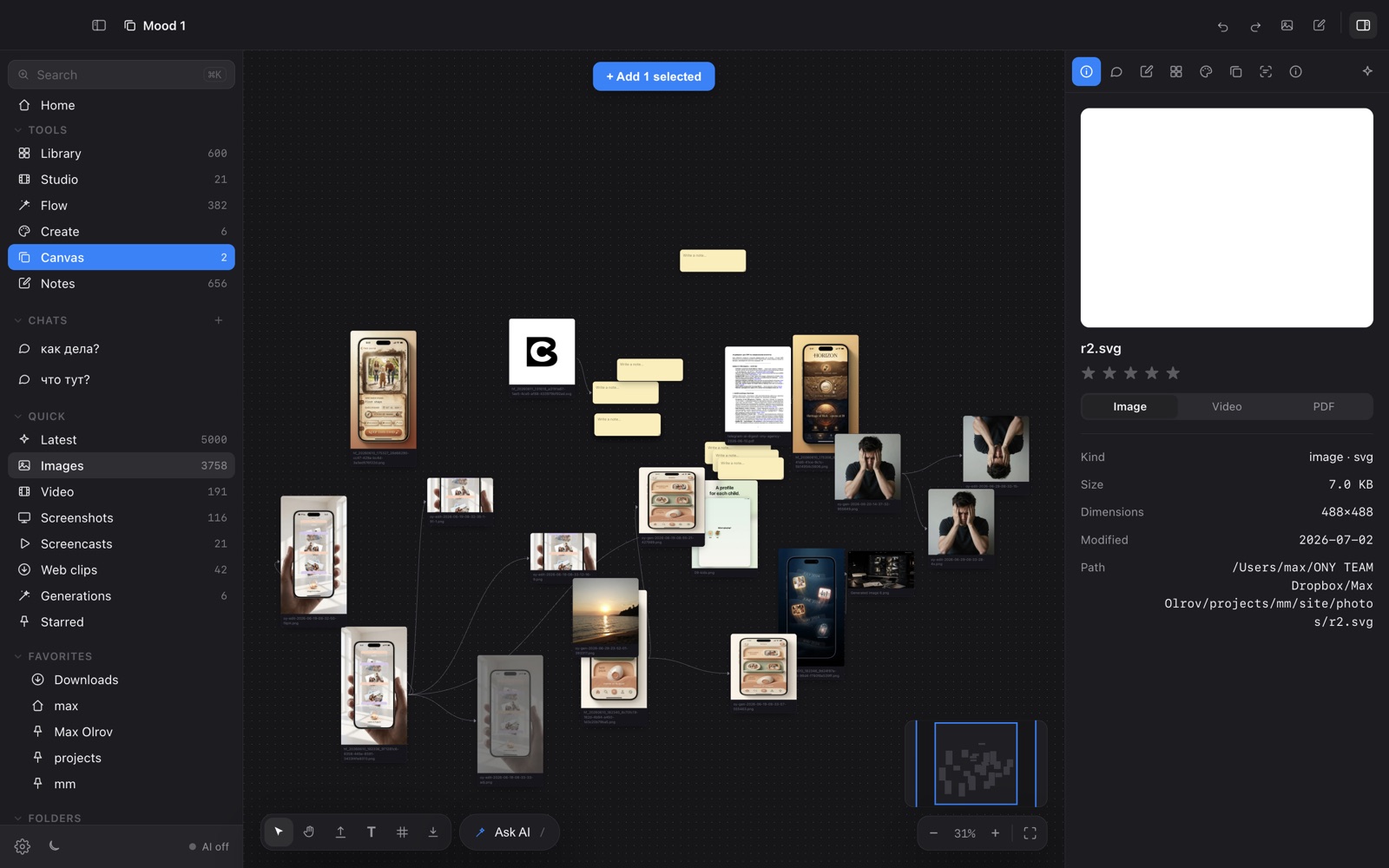
If you want the Air-style canvas — a floating toolbar per image, smart-resize to every platform, slash-command skills — without sending your work to someone else's cloud or paying per seat, OY.Surf is the closest local-first alternative. It runs the AI on your Mac, reads your folders in place, and costs nothing.
Quick comparison
| Creative asset cloud + AI canvas | OY.Surf | Air |
|---|---|---|
| Files live | Your folders, in place | Uploaded to Air's cloud |
| AI generate / edit | ✓ on-device (free) or your key | ✓ cloud, metered |
| Air-style canvas + smart resize + /skills | ✓ | ✓ |
| Works offline | ✓ | — |
| Price | Free, no account | Per-seat subscription |
| Privacy | Nothing leaves your Mac | Cloud-hosted |
What is Air?
Air is a digital asset manager with a generative canvas aimed at marketing and creative teams. You upload assets to Air's cloud, organize them collaboratively, and use AI tools to resize, edit, and produce variations. Its strengths are team collaboration, sharing, and a polished hosted experience — at a per-seat price, with your files living on Air's servers.
What is OY.Surf?
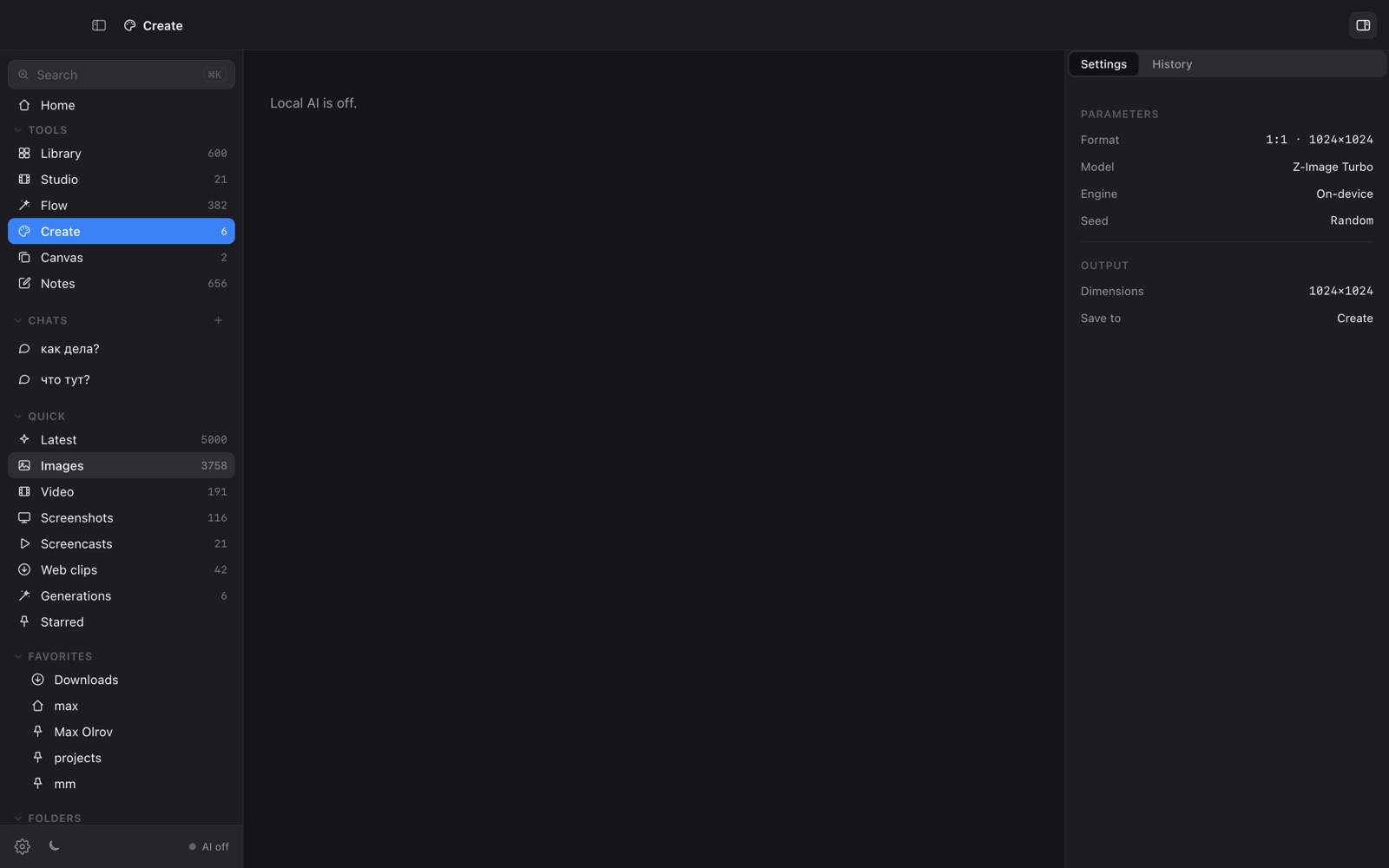
OY.Surf is a local-first visual workbench for macOS. It opens any folder you already have — Dropbox, Downloads, a render output directory — and indexes it in place, so nothing is uploaded. On top of your files it runs on-device AI: descriptions and semantic search, instruction-based image editing (Qwen-Image-Edit), generation (Z-Image Turbo), an Air-style canvas with smart-resize and skills, plus screen recording (Studio) and voice dictation (Flow). The default is free and offline; cloud is opt-in with your own key.
OY.Surf vs Air, point by point
Where do your files live?
With Air, assets are uploaded to and stored in Air's cloud. OY.Surf never moves your files — it indexes the folders already on your disk, so your originals stay exactly where they are and work offline.
How does the AI editing compare?
Both offer instruction-style editing and a per-image toolbar. Air runs its AI in the cloud, metered. OY.Surf runs Qwen-Image-Edit and Z-Image on-device for free, and can optionally route to your own OpenAI key — your call, per generation.
What about the canvas and smart resize?
OY.Surf deliberately mirrors the Air canvas: select an image, get Caption / Smart resize / Tools / Vary / Save, bulk-export platform crops, and run /skills. The difference is where it runs — your machine, not a browser tab tied to a subscription.
Price and privacy
Air is a paid, per-seat SaaS with cloud-hosted assets. OY.Surf is free, needs no account, and keeps everything on-device — nothing leaves your Mac unless you explicitly add a cloud key.
When Air is the better choice
Air is the better pick if your team needs a shared, cloud-hosted asset library with collaborative permissions and you're happy to pay per seat. OY.Surf is single-user and local — it's not trying to be a team DAM.
Bottom line
OY.Surf is the local-first, free answer to Air's canvas: same editing energy, your folders, your Mac, no subscription.
FAQ
- Is OY.Surf a free alternative to Air?
- Yes. OY.Surf is free and runs its AI on-device, so there's no per-seat subscription and no metered generation.
- Can OY.Surf edit images by instruction like Air?
- Yes — it uses Qwen-Image-Edit on-device (or your OpenAI key) to modify a selected image from a text instruction, plus deterministic tools like crop, flip, upscale and adjust.
- Does OY.Surf upload my files like Air?
- No. It indexes your existing folders in place; originals never leave your Mac.
- Does OY.Surf work offline?
- Yes, once a model is downloaded the generation, editing, search and lenses all run offline.
- Is OY.Surf good for teams?
- OY.Surf is single-user and local-first. For shared cloud libraries with collaboration, Air fits that better today.