OY.Surf vs Dropbox
Dropbox syncs your files to the cloud. OY.Surf is the local-first, on-device, free alternative — here's the honest comparison.
TL;DR
- Dropbox syncs your files to the cloud.
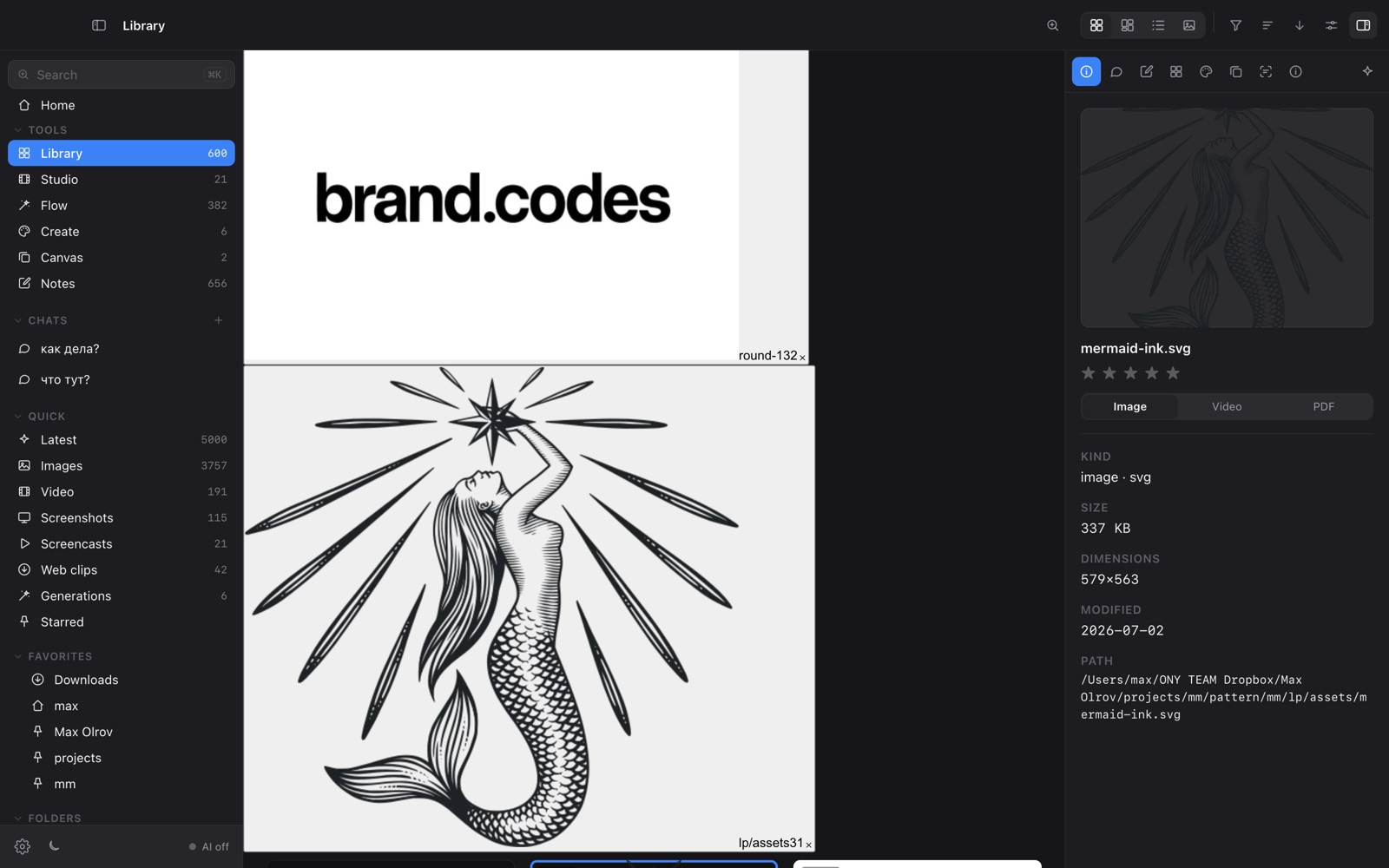
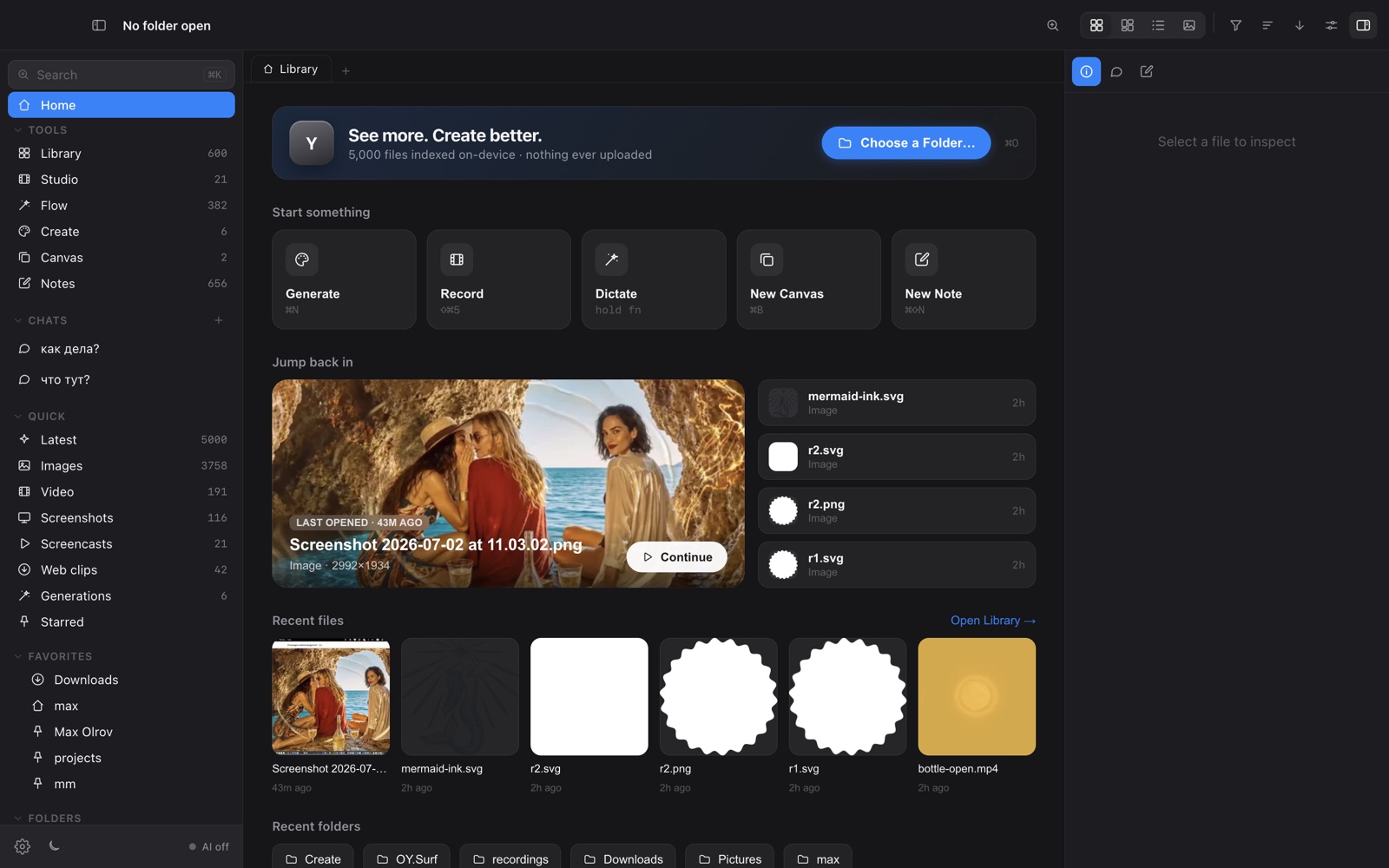
- OY.Surf is a visual workbench that reads those same folders in place — including your Dropbox folder — and adds local AI.
- They complement each other: Dropbox for sync/backup, OY.Surf for seeing and working with the visual files.
Dropbox is storage and sync. OY.Surf is what you put on top: it opens your Dropbox folder, gives every image a palette / OCR / scenes lens, lets you search by content, and generates or edits images — all on-device. You can keep Dropbox for sync and use OY.Surf as the visual front-end.
Quick comparison
| Cloud file storage | OY.Surf | Dropbox |
|---|---|---|
| Reads your existing folders | ✓ | ✓ |
| Visual lenses (palette / OCR / scenes) | ✓ | — |
| On-device AI gen + edit | ✓ | — |
| Upload required | No | Yes |
| Works fully offline | ✓ | ~ |
| Price | Free | Paid storage tiers |
What is Dropbox?
Dropbox is a file sync and storage service. It keeps a folder mirrored across devices and the cloud, with sharing and versioning. It's about moving and backing up files, not understanding or creating visual content.
What is OY.Surf?
OY.Surf is a local-first visual workbench for macOS. It opens any folder you already have — Dropbox, Downloads, a render output directory — and indexes it in place, so nothing is uploaded. On top of your files it runs on-device AI: descriptions and semantic search, instruction-based image editing (Qwen-Image-Edit), generation (Z-Image Turbo), an Air-style canvas with smart-resize and skills, plus screen recording (Studio) and voice dictation (Flow). The default is free and offline; cloud is opt-in with your own key.
OY.Surf vs Dropbox, point by point
Does OY.Surf replace Dropbox?
No — it reads your existing folders, including the Dropbox folder. Keep Dropbox for sync; use OY.Surf to browse, search, generate and edit the visual files inside it.
What can OY.Surf do that Dropbox can't?
Visual lenses (palette, OCR, video scenes), semantic search of your images, on-device generation and instruction editing, a moodboard canvas, recording and dictation.
Do I have to upload anything?
No. OY.Surf works in place and offline; Dropbox by design uploads to sync.
Price
OY.Surf is free; Dropbox charges for storage tiers.
When Dropbox is the better choice
Dropbox remains the better tool for cross-device sync, backup, and sharing large folders. OY.Surf doesn't sync — it's the local workbench.
Bottom line
Use Dropbox to sync your files and OY.Surf to actually see and work with them.
FAQ
- Can OY.Surf open my Dropbox folder?
- Yes — point it at your Dropbox folder and it indexes the files in place, no extra upload.
- Is OY.Surf a Dropbox replacement?
- No, it doesn't sync or back up; it's the visual/AI layer on top of folders Dropbox (or anything) keeps.
- Does OY.Surf send my files to the cloud?
- No, everything runs on-device unless you opt into a cloud key.
- Is it free?
- Yes, free while in beta.
- Does it work without internet?
- Yes, once models are downloaded.