OY.Surf vs Obsidian
Obsidian is a beloved local-first Markdown note app with backlinks and a huge plugin ecosystem. OY.Surf is the local-first, on-device, free alternative — here's the honest comparison.
TL;DR
- Obsidian is a beloved local-first Markdown note app with backlinks and a huge plugin ecosystem.
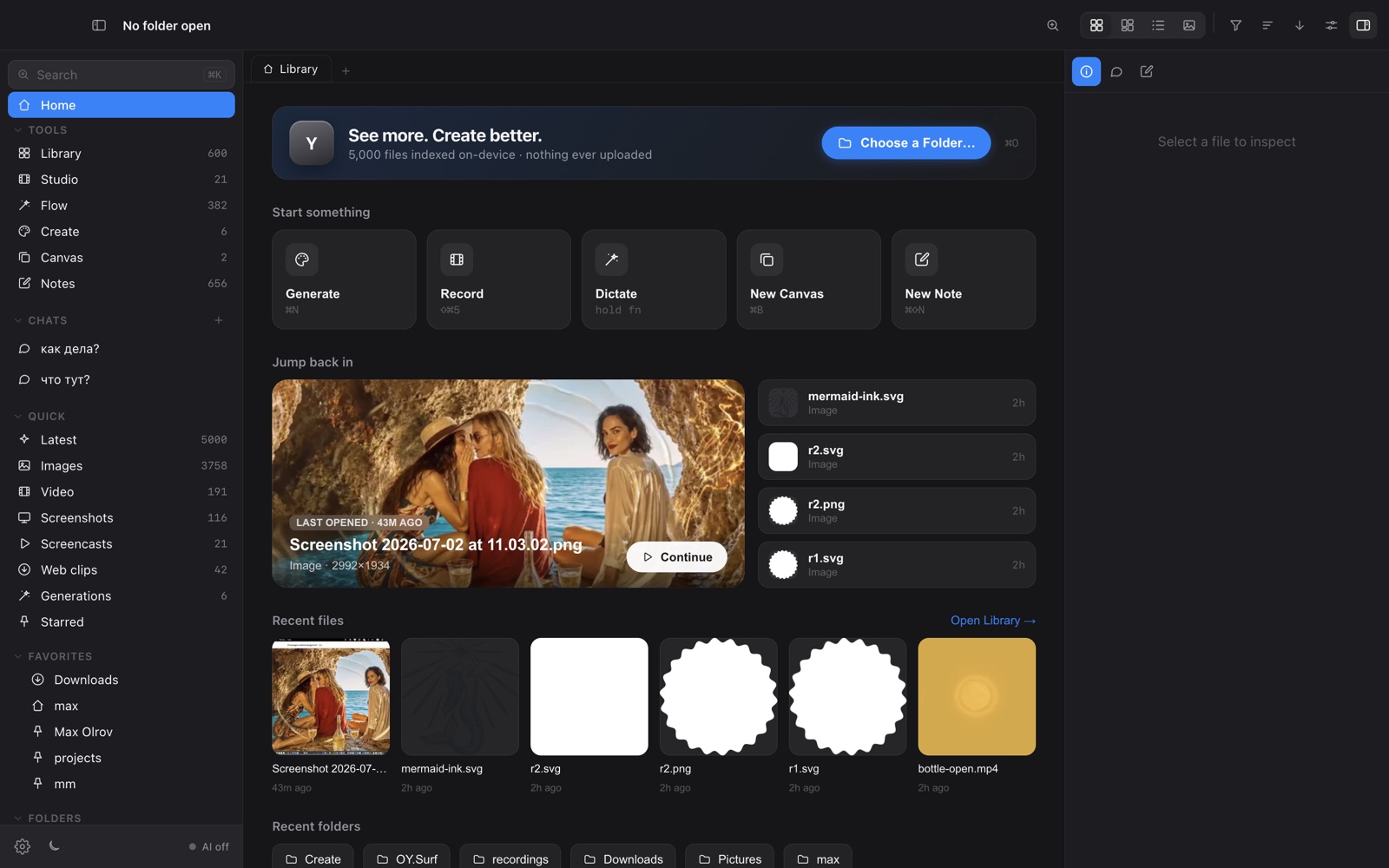
- OY.Surf is visual-first: it keeps notes attached to your files and adds on-device AI, generation, editing, recording and dictation.
- They overlap on local-first and Markdown; Obsidian is a knowledge base, OY.Surf is a visual studio that also takes notes.
Both are local-first and speak Markdown. Obsidian is the better pure knowledge base — backlinks, graph, plugins. OY.Surf is for visual work: it pins Markdown notes to images and projects, dictates with Flow, and runs AI over your files on-device. If your "notes" are mostly about visuals, OY.Surf fits the workflow.
Quick comparison
| Markdown notes (local) | OY.Surf | Obsidian |
|---|---|---|
| Local-first Markdown notes | ✓ | ✓ |
| Notes attached to images / projects | ✓ | ~ |
| Visual library + lenses + semantic search | ✓ | — |
| On-device generate / edit | ✓ | — |
| Voice dictation built in | ✓ | ~ |
| Plugin ecosystem for text PKM | ~ | ✓ |
What is Obsidian?
Obsidian is a local Markdown note-taking app built around linked notes, a graph view, and a deep community plugin ecosystem. Your notes are plain .md files on disk. It's excellent for writing, personal knowledge management, and long-term thinking — text-first by design.
What is OY.Surf?
OY.Surf is a local-first visual workbench for macOS. It opens any folder you already have — Dropbox, Downloads, a render output directory — and indexes it in place, so nothing is uploaded. On top of your files it runs on-device AI: descriptions and semantic search, instruction-based image editing (Qwen-Image-Edit), generation (Z-Image Turbo), an Air-style canvas with smart-resize and skills, plus screen recording (Studio) and voice dictation (Flow). The default is free and offline; cloud is opt-in with your own key.
OY.Surf vs Obsidian, point by point
Both local-first Markdown?
Yes — both store Markdown on your disk, no forced cloud. That shared philosophy is the main thing they have in common.
Text knowledge base vs visual workbench
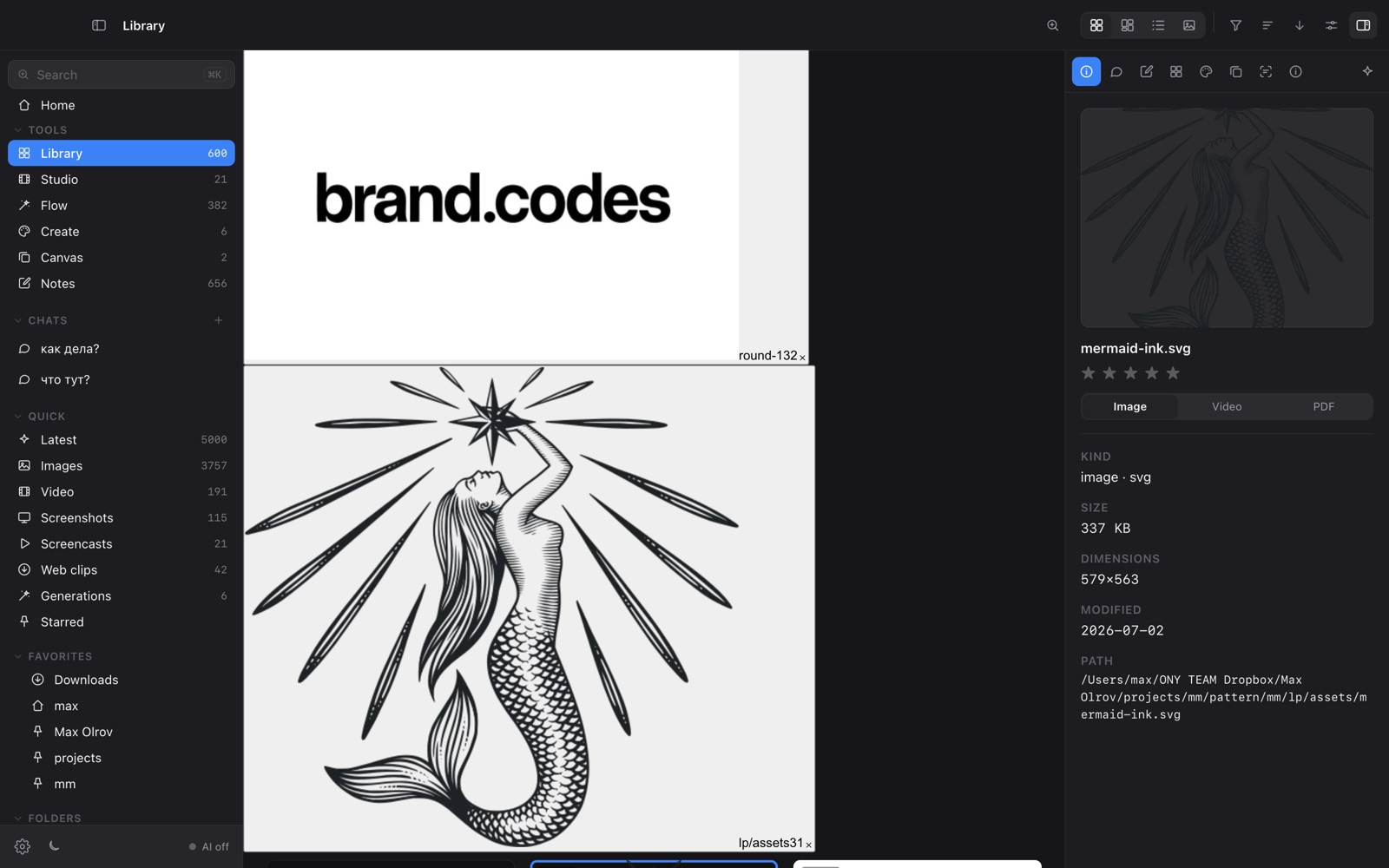
Obsidian is built for linked text and PKM. OY.Surf is built for images, video and references, with notes attached to those files rather than the other way round.
What does the AI add?
OY.Surf describes and semantically searches your images, generates and edits them on-device, and dictates voice notes — none of which is Obsidian's focus.
Extensibility
Obsidian's plugin ecosystem is vast and text-centric. OY.Surf ships visual lenses, a canvas, recording and dictation out of the box.
When Obsidian is the better choice
Obsidian is the better choice for a serious text knowledge base — linked notes, graph view, daily notes, and thousands of plugins. OY.Surf isn't trying to replace your PKM.
Bottom line
Obsidian is your local brain for text; OY.Surf is your local studio for visuals that also keeps notes against them.
FAQ
- Is OY.Surf an Obsidian alternative?
- For visual work with notes attached, yes; for a pure linked-text knowledge base, Obsidian is stronger.
- Does OY.Surf use plain Markdown?
- Yes, notes are Markdown and can include checklists, pinned to your files.
- Are my notes stored locally?
- Yes — everything is on-device, like Obsidian.
- Can I dictate notes?
- Yes, Flow transcribes on-device into your notes.
- Is it free?
- Yes, free while in beta.