OY.Surf vs Eagle
Eagle is a beloved local tagger and organizer for images and references. OY.Surf is the local-first, on-device, free alternative — here's the honest comparison.
TL;DR
- Eagle is a beloved local tagger and organizer for images and references.
- OY.Surf keeps the local-first browsing and adds on-device AI: descriptions, semantic search, generation, instruction edits, a canvas, recording and dictation.
- Use Eagle for meticulous manual tagging; use OY.Surf when you want the library to understand and create, not just store.
Eagle is excellent at manual organization. OY.Surf covers the same local browsing and then goes further: it describes your images with an on-device model, lets you search by meaning, and can generate and edit images right in the library. If you want AI on top of a local library, OY.Surf is the upgrade.
Quick comparison
| Local image organizer | OY.Surf | Eagle |
|---|---|---|
| Browse local folders | ✓ | ✓ |
| AI descriptions + semantic search | ✓ | — |
| Generate images on-device | ✓ | — |
| Edit images by instruction | ✓ | — |
| Moodboard canvas + smart resize | ✓ | ~ |
| Screen recording + voice dictation | ✓ | — |
What is Eagle?
Eagle is a desktop app for collecting, tagging, and browsing images and design references locally. It's fast, tidy, and great for building a manual reference library with folders, tags, and color filters. It is an organizer — it doesn't generate or edit images, and it has no built-in AI understanding of your content.
What is OY.Surf?
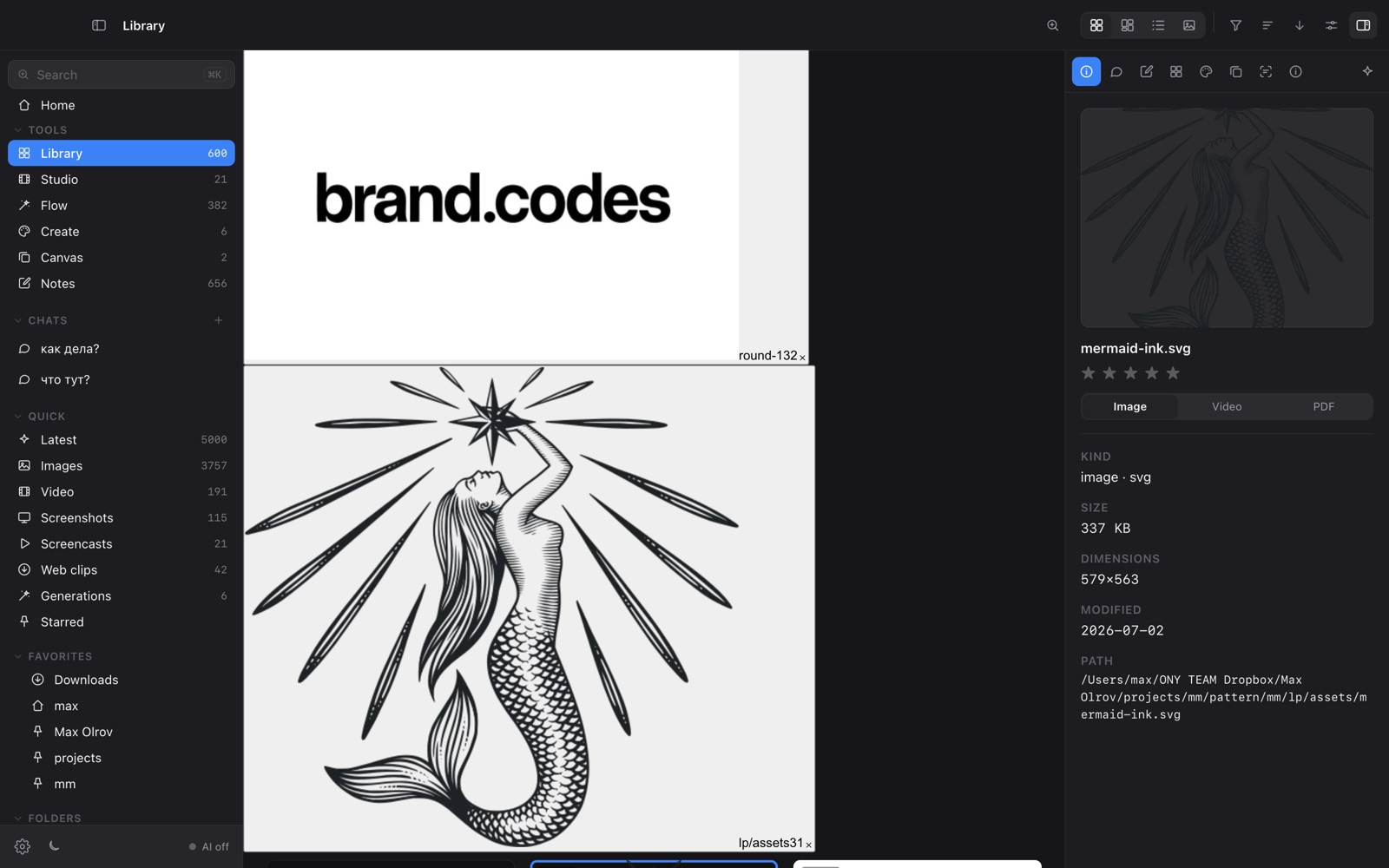
OY.Surf is a local-first visual workbench for macOS. It opens any folder you already have — Dropbox, Downloads, a render output directory — and indexes it in place, so nothing is uploaded. On top of your files it runs on-device AI: descriptions and semantic search, instruction-based image editing (Qwen-Image-Edit), generation (Z-Image Turbo), an Air-style canvas with smart-resize and skills, plus screen recording (Studio) and voice dictation (Flow). The default is free and offline; cloud is opt-in with your own key.
OY.Surf vs Eagle, point by point
Do both browse local folders?
Yes — both are local-first and keep your files on disk. That shared foundation is why people who like Eagle tend to like OY.Surf.
What does the AI add over Eagle?
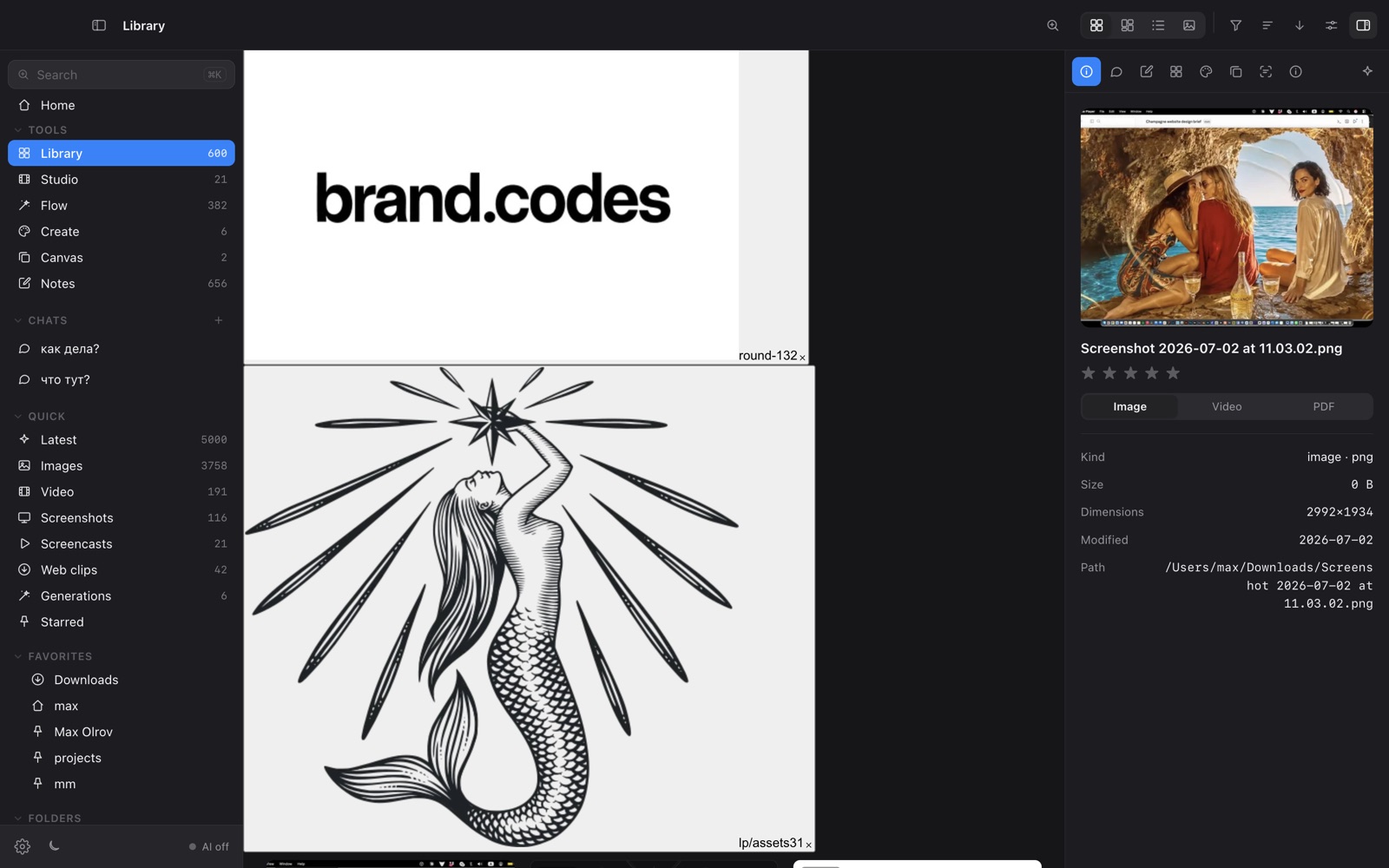
OY.Surf auto-describes images with an on-device VLM and builds a semantic index, so you can search by what's in a picture, not just its filename or tags. Eagle relies on manual tags.
Can it create and edit, not just organize?
OY.Surf generates images (Z-Image) and edits them by instruction (Qwen-Image-Edit) inside the app, on a canvas. Eagle has no generation or editing.
Anything beyond images?
OY.Surf also includes Studio (screen recording) and Flow (voice dictation), plus video scene-reading lenses — well outside an organizer's scope.
When Eagle is the better choice
Eagle is the better choice if you want a focused, mature manual organizer and don't need any AI or creation tools. Its tagging and browsing are very refined.
Bottom line
Eagle organizes; OY.Surf organizes, understands, and creates — all locally.
FAQ
- Is OY.Surf like Eagle but with AI?
- Essentially yes — local-first browsing plus on-device descriptions, semantic search, generation and editing.
- Can I search images by content in OY.Surf?
- Yes, it builds a CLIP + lexical hybrid index so you can search by meaning and by text in the image (OCR), not just filenames.
- Does OY.Surf replace my tags?
- No — it adds AI understanding on top; you can still browse folders as usual.
- Is OY.Surf free like Eagle is a one-time buy?
- OY.Surf is free while in beta and runs on-device.
- Does OY.Surf store files in its own database like Eagle?
- No, it indexes your folders in place rather than importing into a managed library.