OY.Surf vs Adobe Bridge
Adobe Bridge is the free digital-asset browser that ships with Creative Cloud — preview, metadata, and batch tools across creative files. OY.Surf is the local-first, on-device, free alternative — here's the honest comparison.
TL;DR
- Adobe Bridge is the free digital-asset browser that ships with Creative Cloud — preview, metadata, and batch tools across creative files.
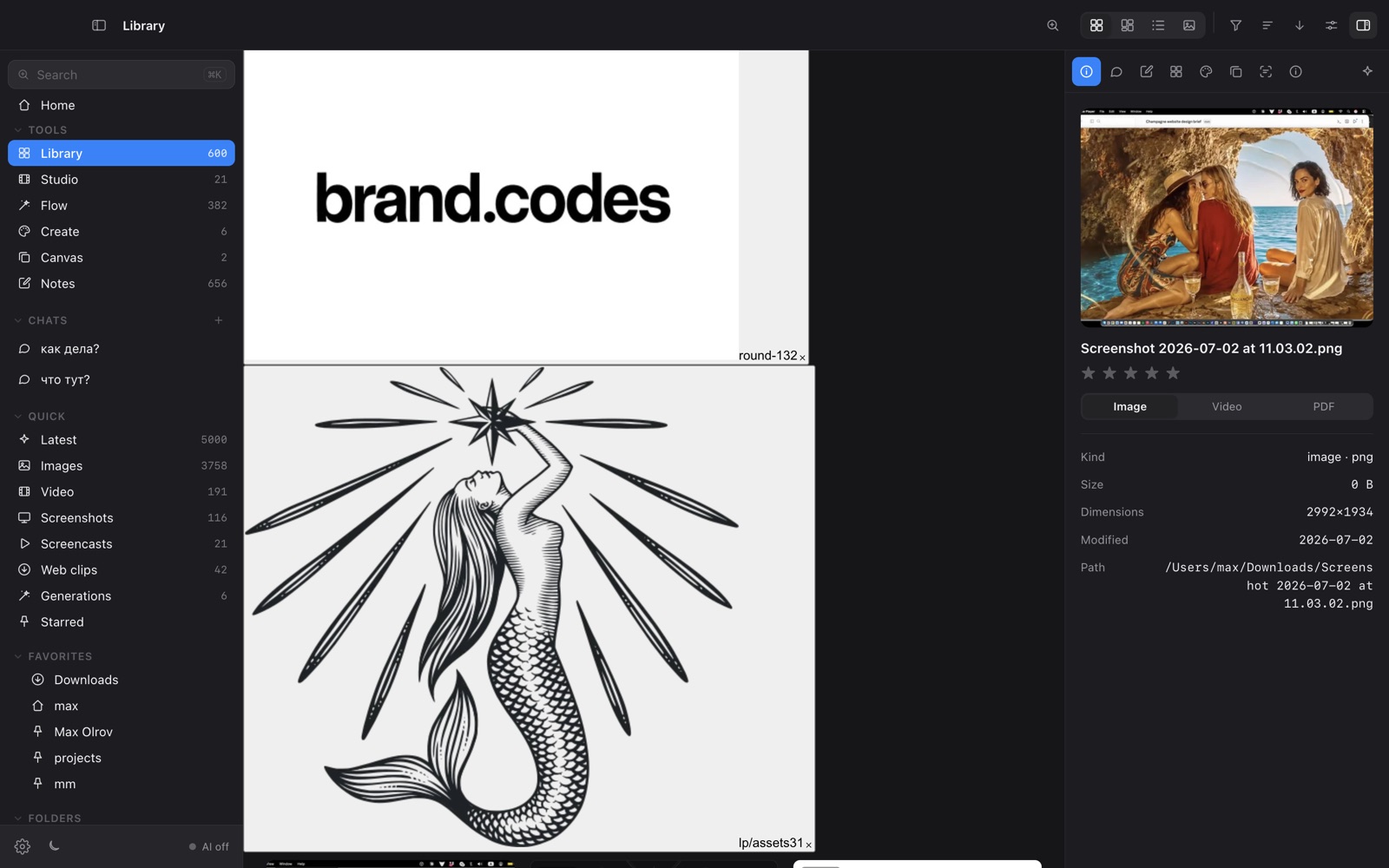
- OY.Surf is a modern local-first browser with on-device AI: descriptions, semantic search, generation, editing, a canvas, recording and dictation.
- Bridge is the Adobe-ecosystem hub; OY.Surf is the standalone, AI-native alternative that works over any folder.
Adobe Bridge browses and batch-manages your creative files with rich metadata. OY.Surf covers the same local browsing and adds what Bridge lacks: an on-device model that describes your images and powers semantic search, plus generation, instruction editing and a canvas — without needing Creative Cloud.
Quick comparison
| Asset browser (Creative Cloud) | OY.Surf | Adobe Bridge |
|---|---|---|
| Browse local files | ✓ | ✓ |
| AI descriptions + semantic search | ✓ | — |
| Generate / edit images on-device | ✓ | — |
| Moodboard canvas + smart resize | ✓ | — |
| Deep Adobe format + metadata tooling | ~ | ✓ |
| Needs Creative Cloud account | No | Yes |
What is Adobe Bridge?
Adobe Bridge is Adobe's free asset manager for previewing, organizing, and batch-processing creative files — images, PSDs, INDD, video — with deep metadata, keywords, and tight integration with Photoshop and the rest of Creative Cloud. It's a capable, mature browser, but it's metadata-driven and has no generative AI of its own.
What is OY.Surf?
OY.Surf is a local-first visual workbench for macOS. It opens any folder you already have — Dropbox, Downloads, a render output directory — and indexes it in place, so nothing is uploaded. On top of your files it runs on-device AI: descriptions and semantic search, instruction-based image editing (Qwen-Image-Edit), generation (Z-Image Turbo), an Air-style canvas with smart-resize and skills, plus screen recording (Studio) and voice dictation (Flow). The default is free and offline; cloud is opt-in with your own key.
OY.Surf vs Adobe Bridge, point by point
Both browse local creative files?
Yes — both preview and organize files on your disk with no upload. Bridge has deeper format support across the Adobe stack; OY.Surf focuses on images, video and references.
Metadata vs AI understanding
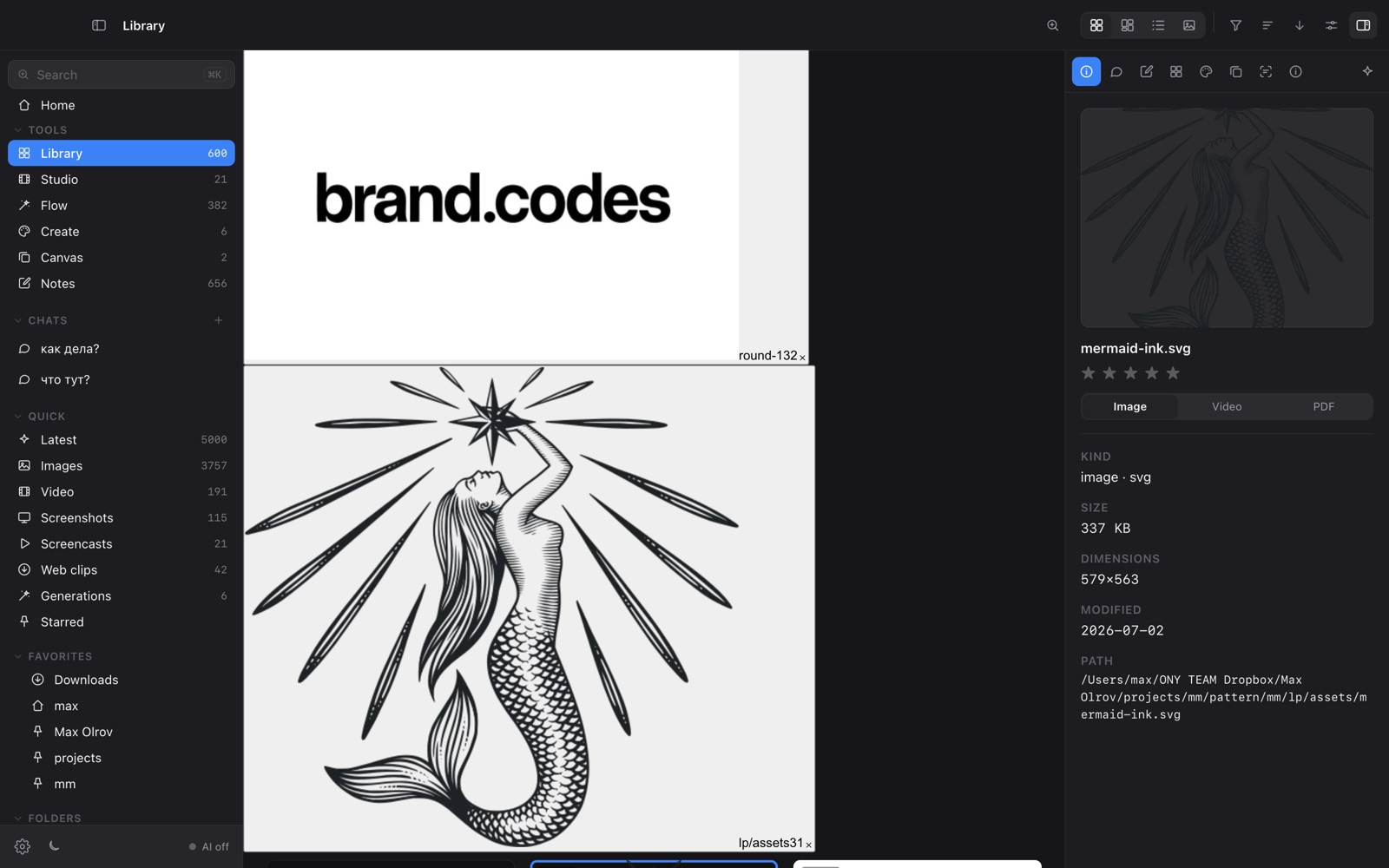
Bridge relies on metadata and keywords you manage. OY.Surf auto-describes images with an on-device VLM and builds semantic search, so you find by content, not just keywords.
Creation
OY.Surf generates (Z-Image) and edits by instruction (Qwen-Image-Edit) on-device, with a canvas. Bridge hands off to Photoshop; it doesn't generate itself.
Ecosystem vs standalone
Bridge shines inside Creative Cloud and Adobe formats. OY.Surf is standalone, free, and works over any folder, plus recording and dictation.
When Adobe Bridge is the better choice
Adobe Bridge is the better choice if you live in Creative Cloud, need its broad format support (PSD, INDD, camera RAW workflows) and deep batch/metadata tooling, and want tight Photoshop integration. OY.Surf is lighter and AI-native rather than a full Adobe asset hub.
Bottom line
Bridge is the Adobe-ecosystem asset browser; OY.Surf is the free, AI-native, local-first browser that also creates.
FAQ
- Is OY.Surf an Adobe Bridge alternative?
- Yes for local browsing with AI on top; Bridge stays stronger for deep Adobe formats and Creative Cloud workflows.
- Does OY.Surf need Creative Cloud?
- No — it's a free standalone macOS app and works over any folder.
- Can it search by image content?
- Yes, with on-device descriptions plus semantic and OCR search.
- Does it edit images?
- Yes — instruction editing with Qwen-Image-Edit and deterministic tools, on-device.
- Is it free?
- Yes, free while in beta; Bridge is also free but requires an Adobe account.