OY.Surf vs Screen Studio
Screen Studio is a polished paid macOS recorder famous for automatic zoom and smooth cursor. OY.Surf is the local-first, on-device, free alternative — here's the honest comparison.
TL;DR
- Screen Studio is a polished paid macOS recorder famous for automatic zoom and smooth cursor.
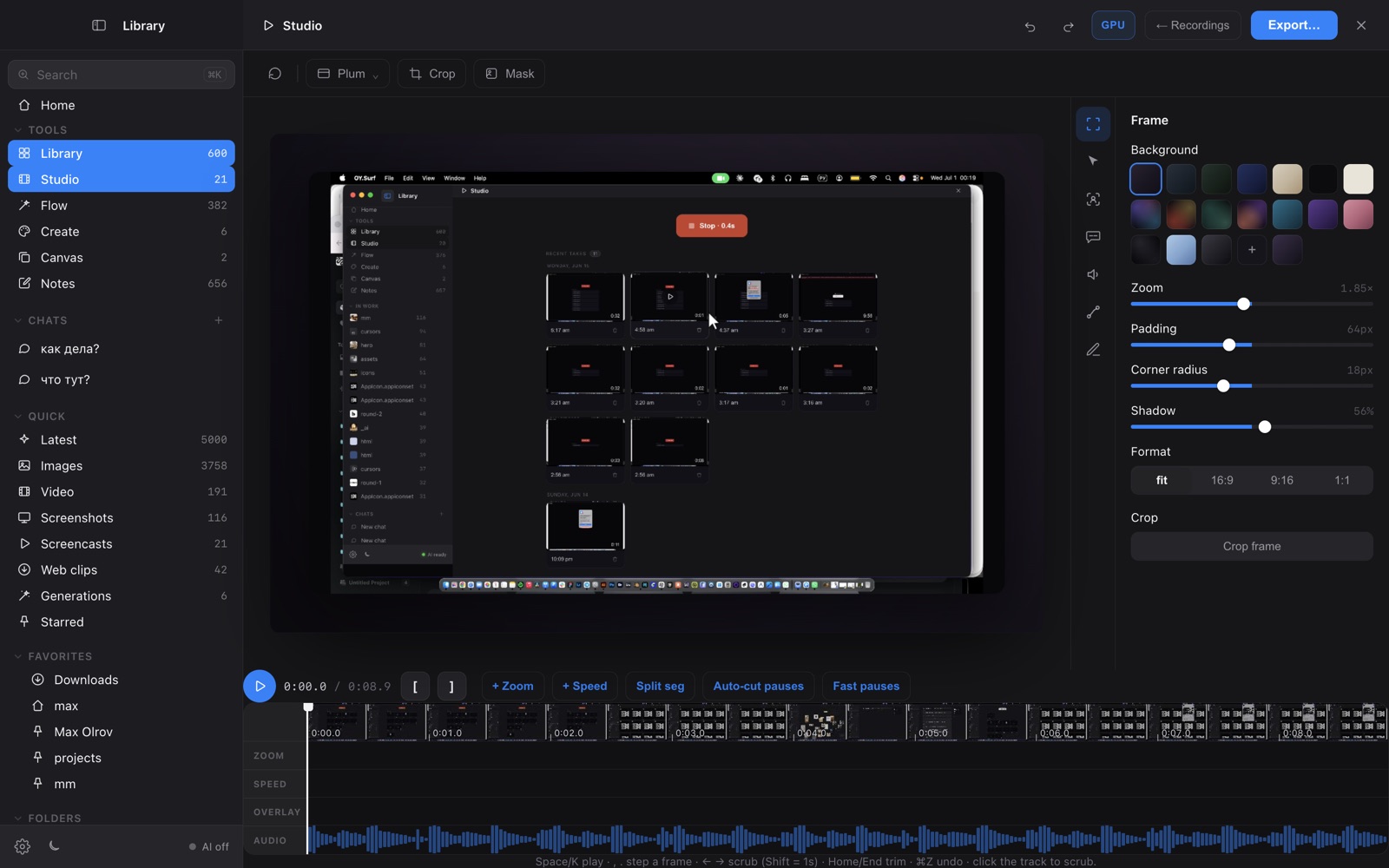
- OY.Surf bundles Studio — screen recording with an editing timeline — for free, and your recordings land in the same local library you already browse.
- Pick Screen Studio for its mature export polish; pick OY.Surf to record, keep, and search clips in one local-first app at no cost.
If you want Screen-Studio-style recording — capture, trim, zoom — without a separate paid app, OY.Surf's Studio records your screen, gives you an editing timeline, and files every take into your visual library so you can find it later. It's free and runs on your Mac.
Quick comparison
| Screen recorder + editor | OY.Surf | Screen Studio |
|---|---|---|
| Screen recording | ✓ | ✓ |
| Editing timeline (zoom / trim) | ✓ | ✓ |
| Auto smooth zoom + motion polish | ~ | ✓ |
| Recordings indexed in a searchable library | ✓ | — |
| Also gen / edit / dictation / lenses | ✓ | — |
| Price | Free, included | Paid license |
What is Screen Studio?
Screen Studio is a premium macOS screen recorder built for product demos and tutorials. Its signature is automatic, smooth zoom-to-cursor, motion-blurred movement, and clean exports. It's a focused, paid, one-job tool — record and produce a beautiful video — and it does that job extremely well.
What is OY.Surf?
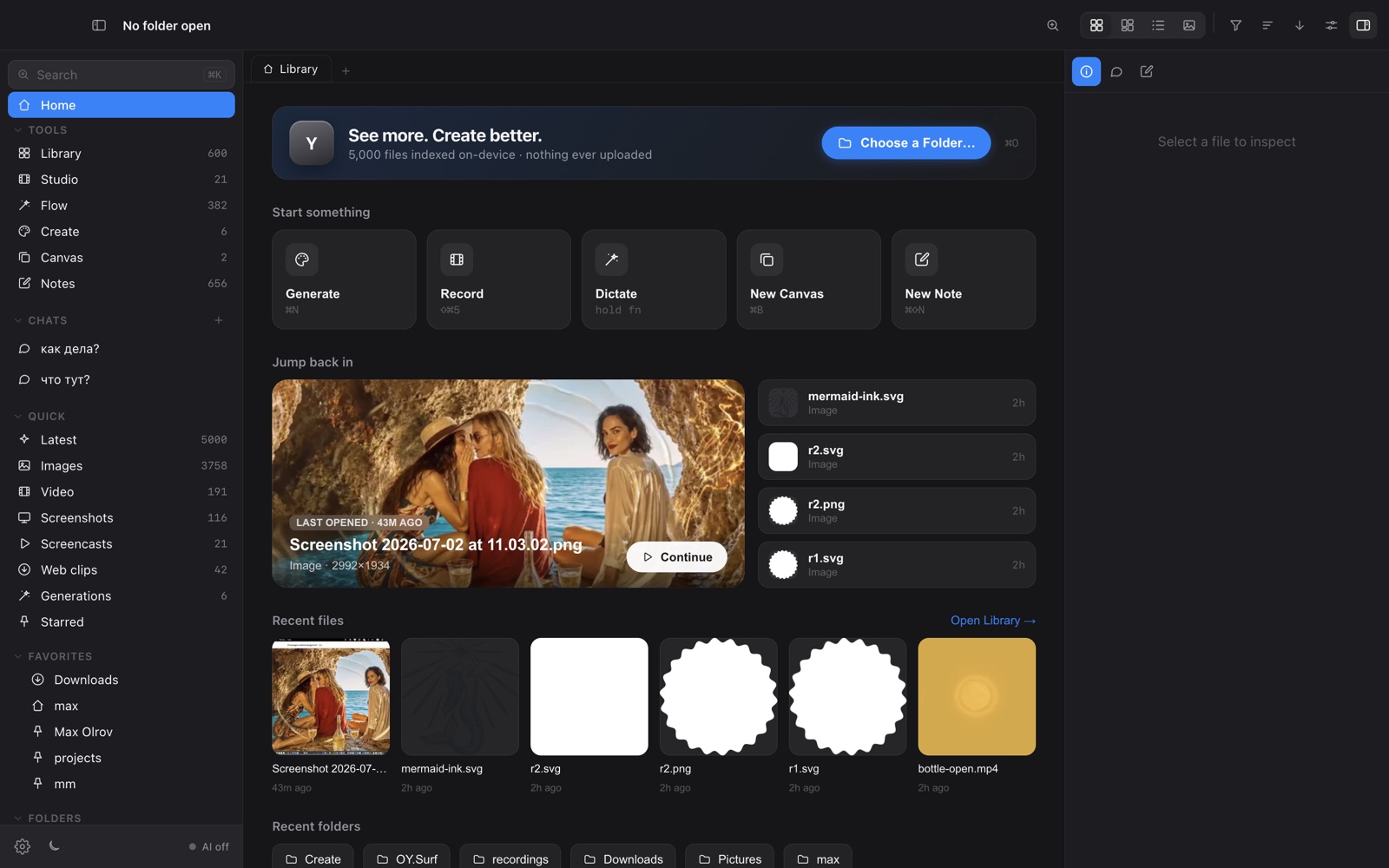
OY.Surf is a local-first visual workbench for macOS. It opens any folder you already have — Dropbox, Downloads, a render output directory — and indexes it in place, so nothing is uploaded. On top of your files it runs on-device AI: descriptions and semantic search, instruction-based image editing (Qwen-Image-Edit), generation (Z-Image Turbo), an Air-style canvas with smart-resize and skills, plus screen recording (Studio) and voice dictation (Flow). The default is free and offline; cloud is opt-in with your own key.
OY.Surf vs Screen Studio, point by point
Both record the screen?
Yes. Studio captures your display with an interactive timeline — draggable zoom blocks, trims — while Screen Studio offers a more mature set of motion and export polish today.
Where do recordings live?
Studio saves takes into your local OY.Surf library, indexed and searchable alongside your images and references. Screen Studio exports a file you then file away yourself.
Price
Studio is included free in OY.Surf. Screen Studio is a paid license.
Beyond recording
OY.Surf also does on-device dictation, image generation/editing, lenses and semantic search; Screen Studio is recording-only by design.
When Screen Studio is the better choice
Screen Studio is the better choice today if your whole job is producing the most polished demo videos possible — its auto-zoom, motion blur, and export presets are more refined. OY.Surf's recorder is younger.
Bottom line
Screen Studio is the dedicated polished recorder; Studio gives you recording for free inside a local-first workbench that also keeps and understands the result.
FAQ
- Is OY.Surf a free alternative to Screen Studio?
- For recording, yes — Studio records your screen with an editing timeline at no cost, inside OY.Surf.
- Does Studio have zoom like Screen Studio?
- Yes — an interactive timeline with draggable zoom blocks you can resize and reposition.
- Where do my recordings go?
- Into your local OY.Surf library, indexed and searchable next to your other files.
- Is it as polished as Screen Studio?
- Screen Studio's motion and export polish is more mature today; Studio is improving fast and is free.
- Does it work offline?
- Yes — recording and editing are fully local.