Create — generate images
Text-to-image and image-to-image, on-device or with your key.
Surf Create generates images. By default it runs on-device with Z-Image Turbo — free, private, offline once the model is downloaded.
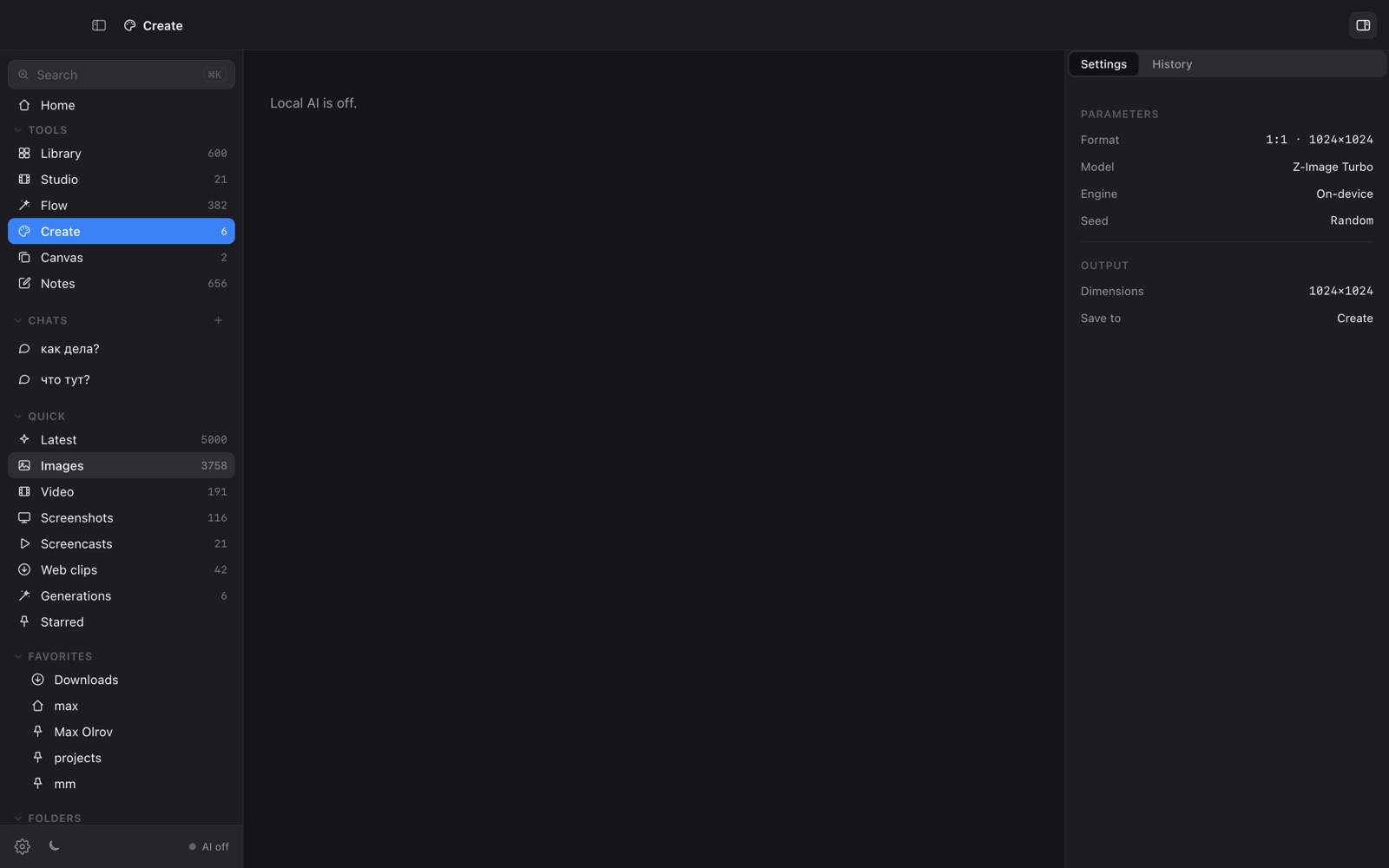
How to generate
- Open Surf Create from the sidebar.
- Describe the image in the prompt box.
- Pick a format — 1:1, 3:2 or 2:3.
- Optionally set a seed (random by default) for reproducibility.
- Press Generate. Results land in your Create folder, indexed like any file.
Image-to-image
Select an existing image first and Create uses it as a reference ("Use … as reference"), so you can riff on something you already have.
Cloud option
Prefer a cloud model? Set a provider/key in Settings and Create routes there per generation — see On-device vs cloud.