Canvas & skills
A moodboard canvas with smart resize and slash-command skills.
The canvas is an infinite board for arranging images, notes and generations, with connections between them. Create one from Boards → New moodboard or drop a selection onto a board.
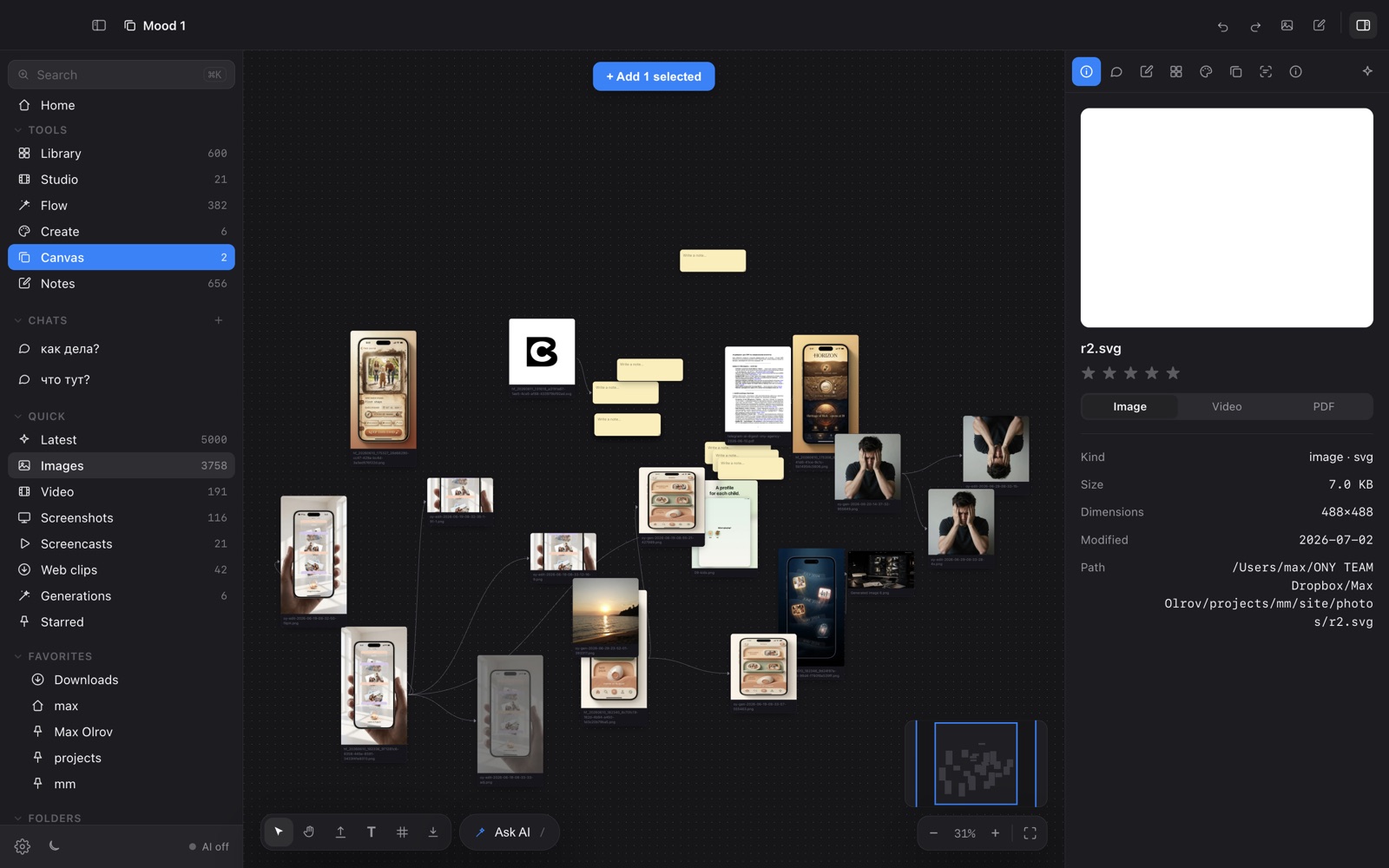
Per-image toolbar
Select an image to get Caption, Smart resize (bulk-export platform crops), Tools, Vary and Save — the Air-style workflow, running on your Mac.
Slash skills
Type / in the canvas prompt to run a skill — a reusable action. The prompt bar also generates new images directly onto the board.
Align & arrange
Multi-select to align and distribute, and upload files straight onto the canvas.