The best AI dictation tools for Mac in 2026
Talk, get clean text anywhere — how the main voice-to-text tools compare, and where the transcription actually runs.
Dictation got genuinely good: modern speech models turn rambling speech into clean, punctuated text and drop it into any app. The main divide is where the transcription happens — most of the slickest tools send your audio to a cloud, while a growing set run the model on-device. For quick notes it rarely matters; for client calls or anything private, it does.
What to look for
Cloud transcription is often a touch more polished; on-device keeps your audio and text on your Mac and works offline.
Some tools insert text into whatever app you're in; others are built for transcribing recordings and meetings. Different jobs.
Filler removal, punctuation and tone polishing vary a lot — and some over-rewrite.
A dedicated dictation app vs dictation that ships inside a larger tool you already use.
The options
Wispr Flow ↗
A polished standalone: press a key, talk, and formatted text lands in any app with tone cleanup. Fast and well-designed; cloud transcription, subscription.
macOS Dictation ↗
Free and built in, fine for short bursts. Limited cleanup and formatting.
Otter.ai ↗
Strong for meetings and long-form transcription with speaker labels. Cloud-hosted; built for recordings more than inline dictation.
Superwhisper ↗
Runs Whisper models on-device for private transcription, with a dictation-focused workflow.
OY.Surf (Flow) ↗
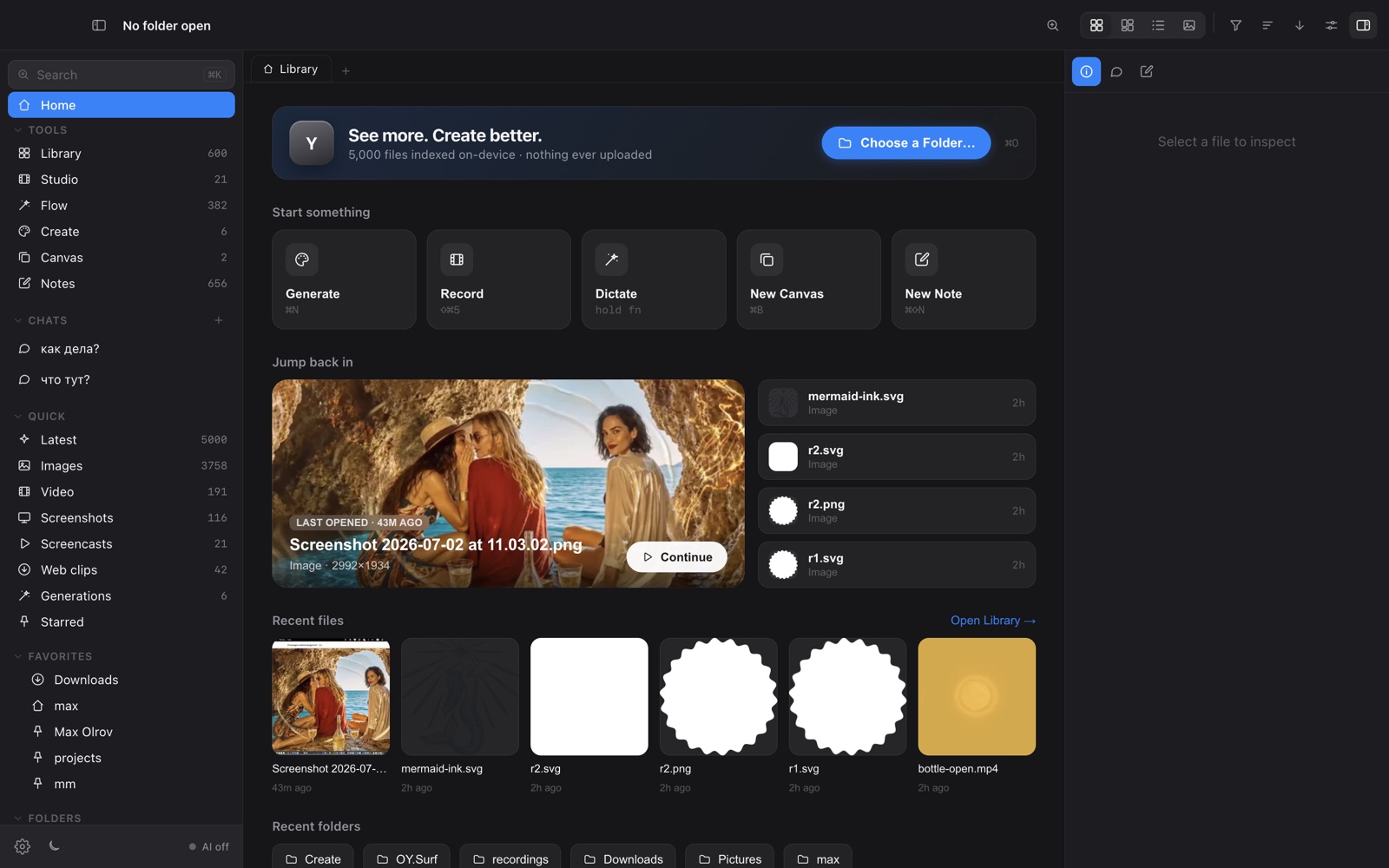
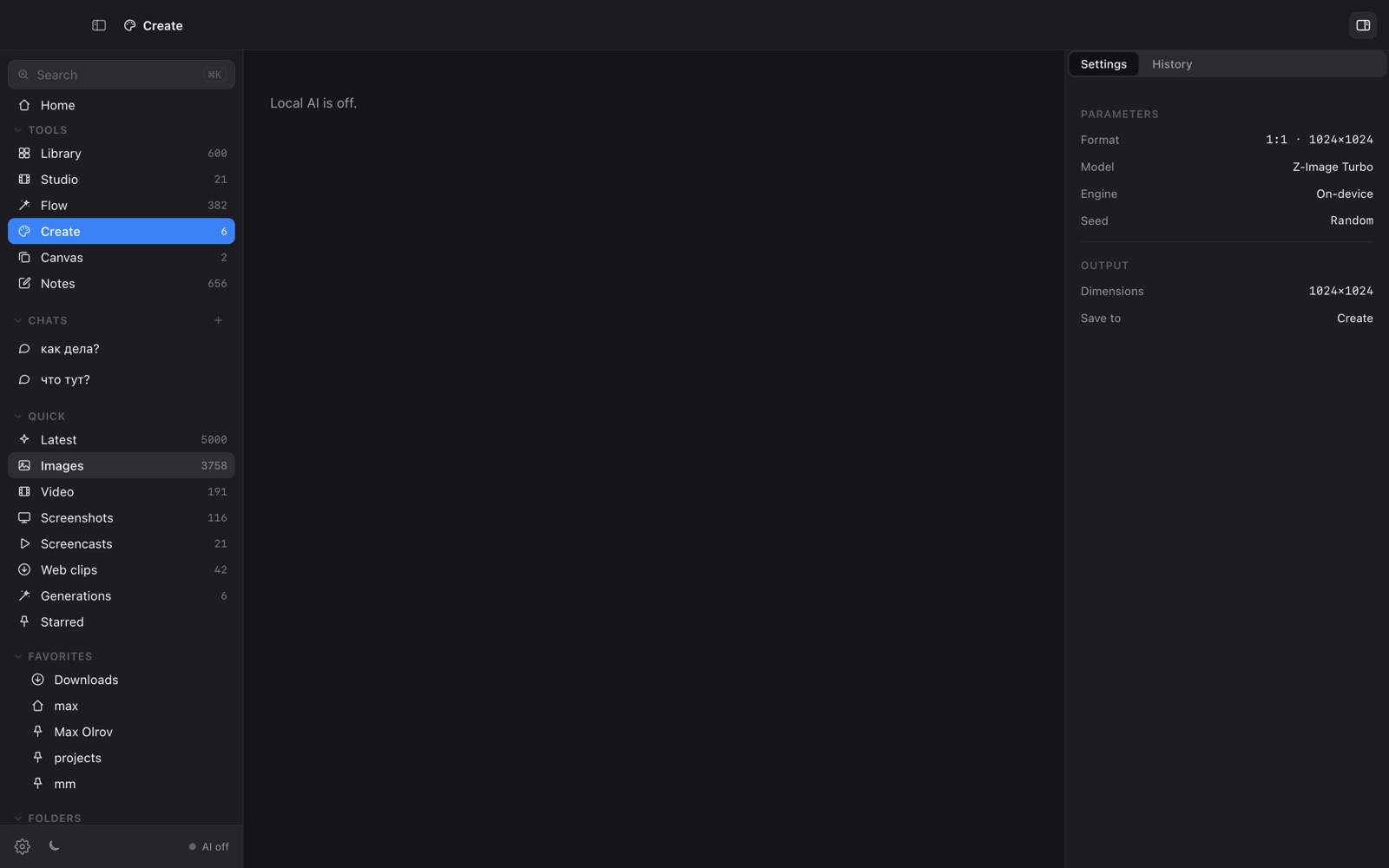
The all-in-one, on-device option: records, transcribes with a local Whisper model, strips fillers and dictation artifacts, and pastes the cleaned text — inside a wider visual workbench rather than as a separate app.
How they compare
| Wispr Flow | macOS | Otter | Superwhisper | OY.Surf | |
|---|---|---|---|---|---|
| Dictate into any app | ✓ | ✓ | — | ✓ | ✓ |
| Transcription on-device | — | ~ | — | ✓ | ✓ |
| Filler / cleanup pass | ✓ | — | ~ | ✓ | ✓ |
| Audio never uploaded | — | ~ | — | ✓ | ✓ |
| Meeting / long-form transcription | — | — | ✓ | ~ | — |
| Bundled with a wider workbench | — | — | — | — | ✓ |
| Price | Paid | Free | Freemium | Paid | Free |
The honest take
For the most polished standalone dictation with cloud transcription, Wispr Flow; for meetings, Otter; for free occasional use, macOS Dictation. If on-device privacy is the priority, Superwhisper or OY.Surf's Flow — and in OY.Surf, dictation comes bundled with a library, generation, editing and recording rather than as a separate subscription.
FAQ
- Which dictation tools run on-device?
- Superwhisper and OY.Surf's Flow run Whisper locally so your audio stays on your Mac.
- Is there a free on-device dictation option?
- Flow is free inside OY.Surf; macOS Dictation is free but cloud-assisted for best results.
- Can dictation work offline?
- On-device tools work offline once the model is downloaded.
OY.Surf is one of the options above — the local-first, on-device one that bundles browsing, generation, editing, recording and dictation into a single free macOS app. It won't replace a specialist for that specialist's one job; it's useful when you'd rather not run five separate tools.