The best apps for Markdown files on Mac in 2026
Plain text that outlives every app — the editors and workbenches that treat your .md files as files, and what each is really for.
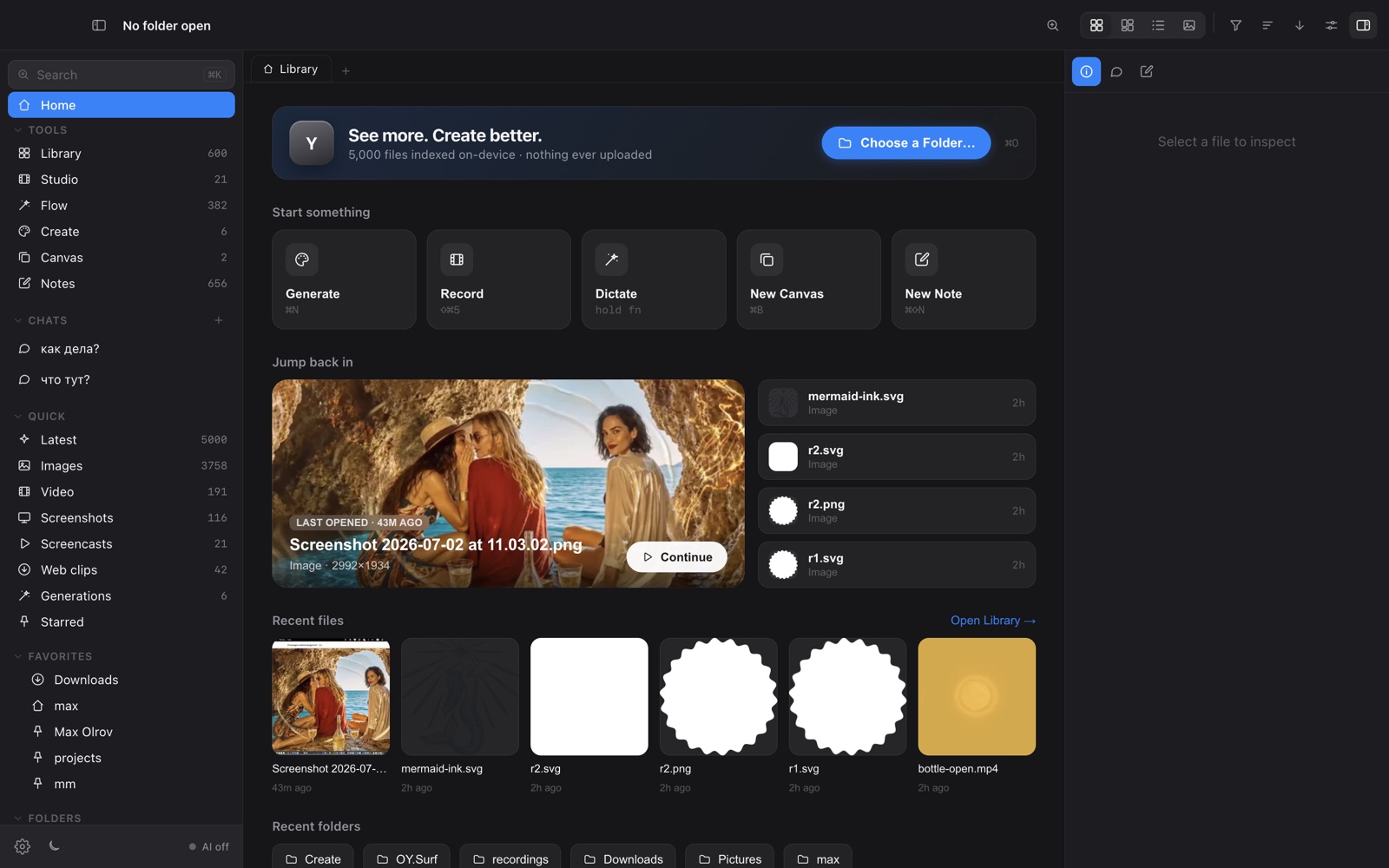
Markdown endures because it's just text: portable, future-proof, readable in any editor decades from now. The apps around it split into pure writing tools, knowledge bases, code editors, and visual workbenches that happen to store Markdown. They all read the same files; the difference is what they let you do on top — and whether they keep your .md plainly accessible on disk.
What to look for
A focused writer optimises the act of typing prose; a knowledge base optimises linking and finding hundreds of notes. Different jobs.
The healthiest setups keep .md as ordinary files you can open anywhere — not locked inside one app's vault.
Live preview, outlines, backlinks and tables matter more for docs than for a quick note.
Some tools add code tooling, others add images and references — pick the context your Markdown lives in.
The options
Obsidian ↗
The reference Markdown workbench: local .md, backlinks, graph, a huge plugin ecosystem. The default if Markdown is your knowledge system.
iA Writer ↗
A focused writing app with beautiful typography and a distraction-free, syntax-aware editor. Best for actually writing prose.
Typora ↗
A seamless live-preview editor — what you type renders inline as you go. A clean single-document experience.
VS Code ↗
The developer's choice; with a preview pane and extensions it's a capable Markdown editor that already sits in a coding workflow.
OY.Surf ↗
The all-in-one, on-device option: Markdown notes that attach to images and projects and stay as plain files on disk, with on-device dictation to write them by voice. Not a prose editor — a place where Markdown lives next to visual work.
How they compare
| Obsidian | iA Writer | Typora | VS Code | OY.Surf | |
|---|---|---|---|---|---|
| Plain .md on disk | ✓ | ✓ | ✓ | ✓ | ✓ |
| Live preview / WYSIWYG | ~ | ~ | ✓ | ~ | ~ |
| Backlinks / knowledge graph | ✓ | — | — | ~ | — |
| Notes attached to images/projects | — | — | — | — | ✓ |
| Voice dictation built in | — | — | — | — | ✓ |
| Plugin / extension ecosystem | ✓ | — | — | ✓ | ~ |
| Price | Free/paid | Paid | Paid | Free | Free |
The honest take
For pure writing, iA Writer or Typora; for a linked knowledge base, Obsidian; if you already live in a code editor, VS Code. OY.Surf is the option for when your Markdown is documentation about visual files — shot notes, specs, project READMEs — pinned to those files, dictatable, and still just text on disk.
FAQ
- Which Markdown apps keep files local?
- Obsidian, iA Writer, Typora and OY.Surf all work with plain .md files on disk rather than a locked cloud vault.
- Can I dictate Markdown notes?
- OY.Surf's Flow transcribes speech on-device straight into a note.
- Which is best for a big linked knowledge base?
- Obsidian, for its backlinks, graph view and plugins.
OY.Surf is one of the options above — the local-first, on-device one that bundles browsing, generation, editing, recording and dictation into a single free macOS app. It won't replace a specialist for that specialist's one job; it's useful when you'd rather not run five separate tools.